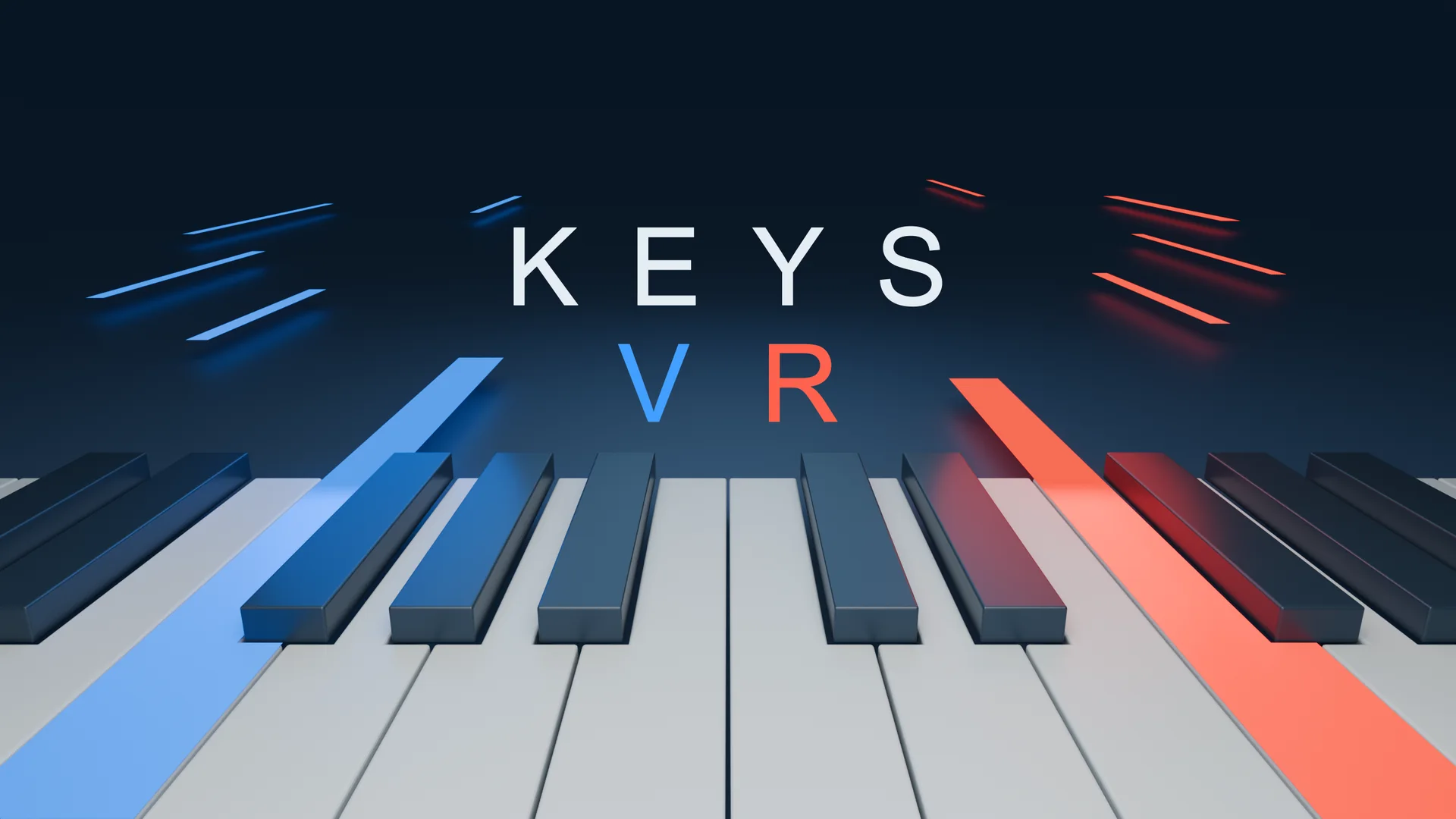
Keys VR: a blue lane and a coral lane run down to the keys of a piano keyboard.

Trailer coming soon

Mixed reality pianoMeta Quest 3 and 3S

Keys VR is an immersive mixed reality piano experience. A fun and intuitive way to play, practice and learn.

Coming soon to Meta Quest 3 and 3S

Many ways to play

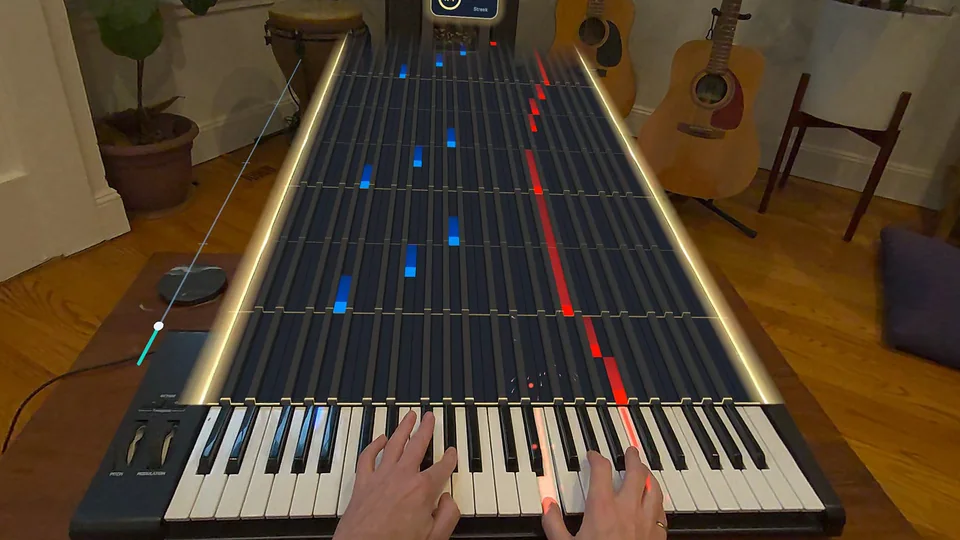
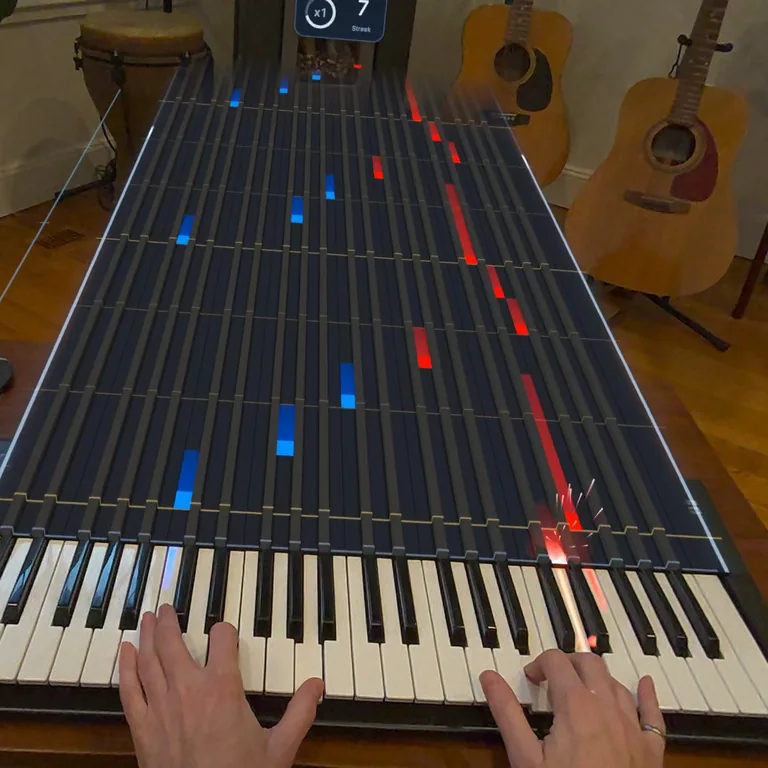
A real keyboard on a table, seen through the headset. Blue and coral notes run down lanes to its keys, and two hands play.
Note highway
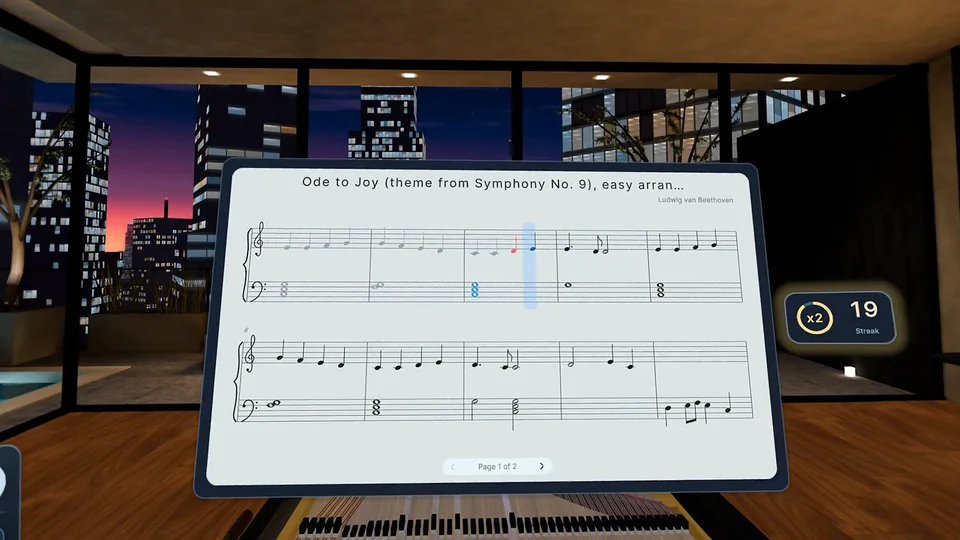
A page of sheet music stands over an open grand piano, in a room high over a city at night.
Sheet music
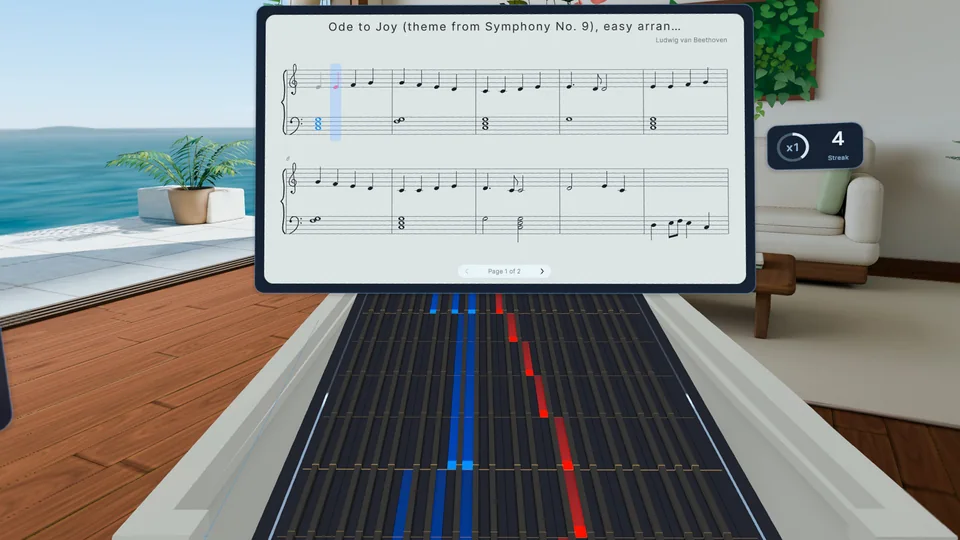
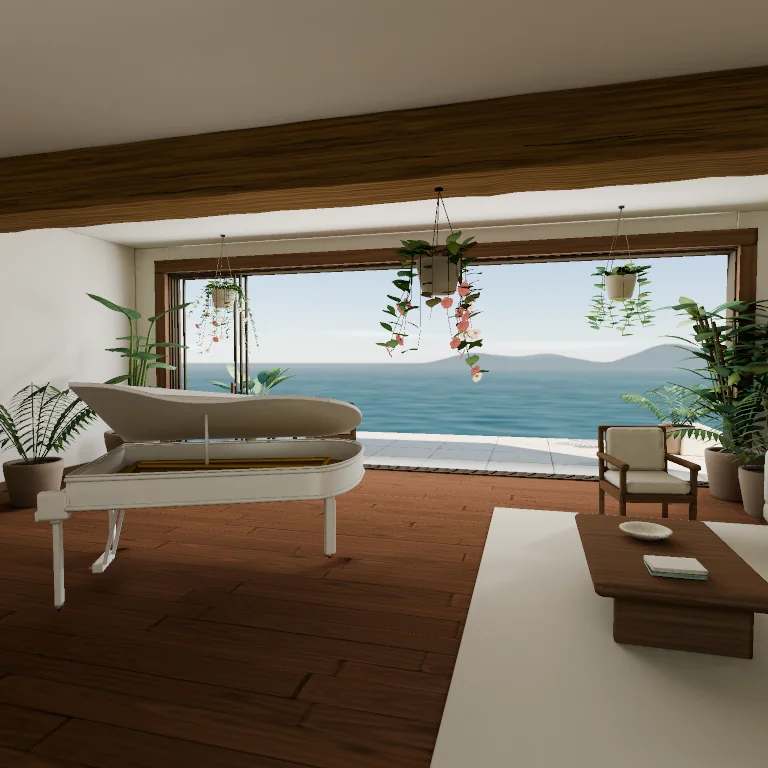
A page of sheet music stands over the note highway on a white grand piano, in a bright room that looks out to the sea.
Both at once

Vision-based calibration

The notes land on your real keys.

The headset's cameras find your keyboard and line up every key. No markers, no measuring.

The camera pictures are used on the headset only.

Play at your pace

From first notes to full tempo.

Wait for notes

Pauses until you hit the correct keys.
Adaptive

Dynamically adjusts the tempo or pauses based on your performance.

In time

Play with the song, and earn up to five stars.

Loop a section

Focus in on a tricky passage. Practice makes perfect.

The music

A wide selection of music and support to import your own.

200+

pieces in the library

From Baroque to ragtime, sorted by level.

21

play-along pieces

Play with accompaniment.

Import your music

Import your own MIDI or MusicXML files from a computer on the same WiFi network.

Immersive Environments
Play in passthrough, or in one of four beautiful scenes.

Seen through the headset: two hands on a real keyboard in a living room with guitars, and notes running down to the keys.
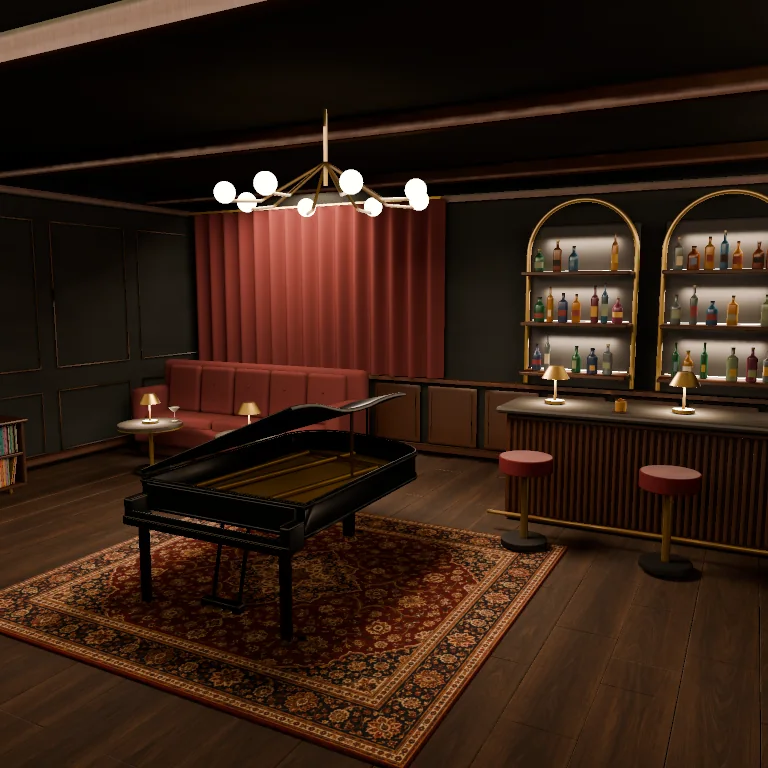
A black grand piano on a rug in a dark club with a bar and red curtains.
A white grand piano in a bright room that opens to the sea.
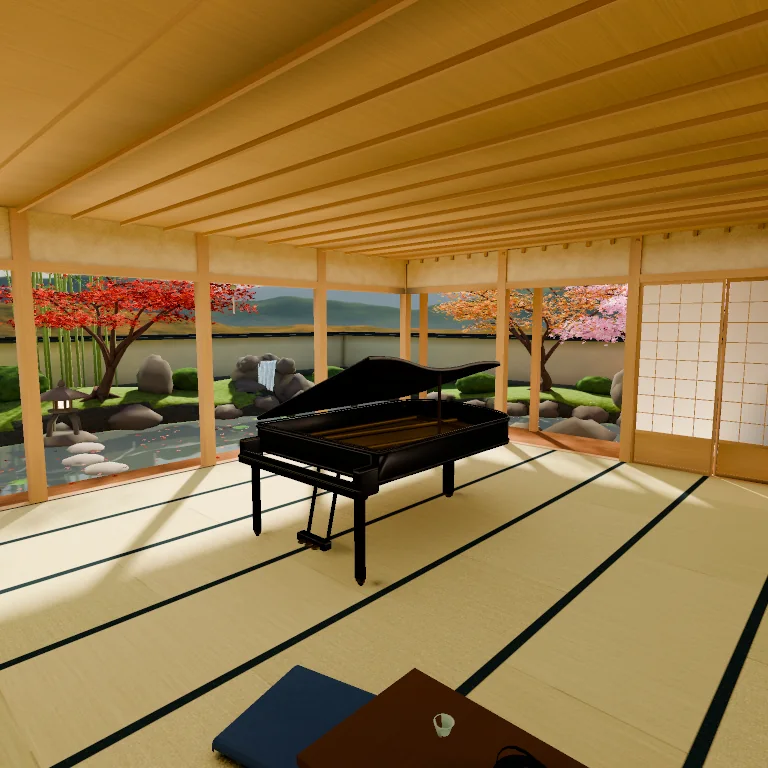
A black grand piano on straw mats, with a garden and a pond outside.
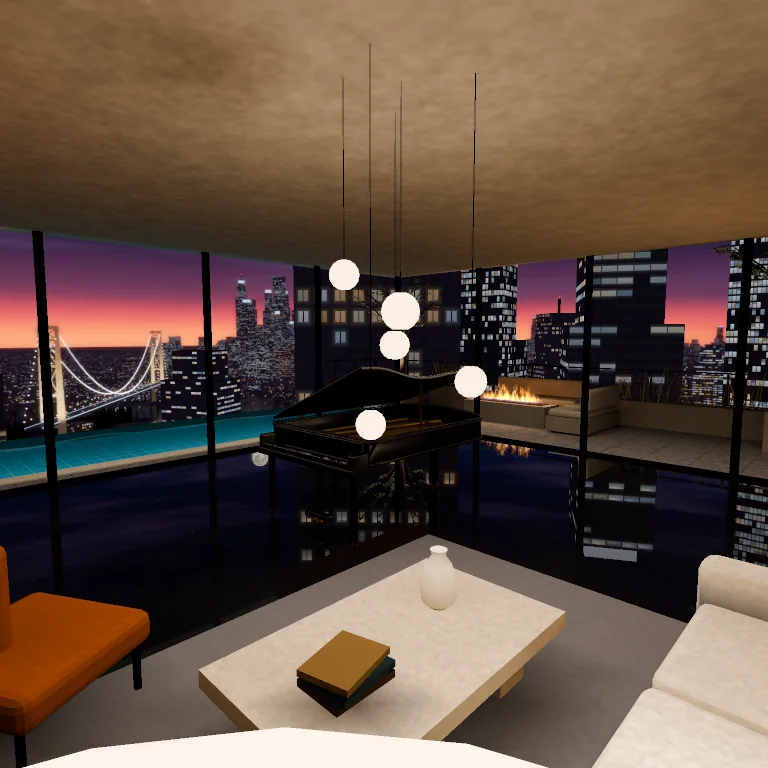
A grand piano behind glass walls, high over a city at dusk.

Requirements

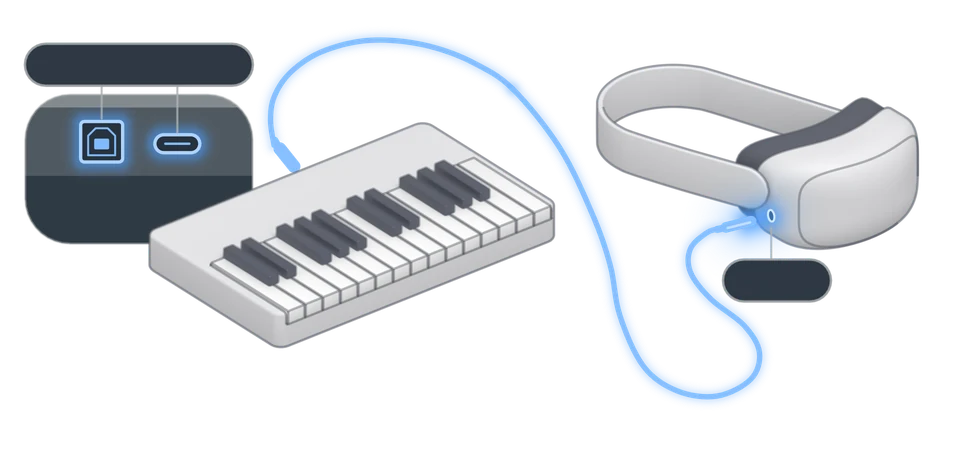
A cable runs from the USB socket of a keyboard to the USB-C port of a headset.
  1. A Meta Quest 3 or 3S
  2. A USB MIDI keyboardAny keyboard or digital piano that sends MIDI over USB.
  3. A USB cableUSB-C for the headset, and USB B / C for the keyboard.

No keyboard yet? A MIDI keyboard is strongly recommended, but a virtual keyboard is available.

Talk to us

Questions, problems, feedback ?

Write to us. Name your headset and your keyboard's make and model, and say what you saw.

support@keysvr.net